
HWID Spoofer
Clean slate for your PC


At a glance
Key capabilities
What HWID Spoofer focuses on before you open the full module list.
Plus 26 additional modules in the operator portal—see the full list below.
Overview
HWID spoofer — hardware ban recovery
How this build fits ranked, Turbo, and patch-day workflows.
HWID spoofer for disk serials, MAC addresses, GPU IDs, and related fingerprints — built for hardware ban recovery when anti-cheat locks your machine, not just the account.
Includes cleanup steps before you launch protected games. Follow the portal guide and verify identifiers after a cold reboot.
When you need it
Use when fresh Steam accounts fail instantly on one PC but work elsewhere—classic HWID enforcement from EAC. Do not use for account-only ban cases; see [UGC](/products/rust-cheats/rust-ugc/) instead.
Full workflow
Restore point, driver cleanup, spoof application, cold reboot, identifier verification, then conservative cheat profile before official. Full checklist ships in the portal and in our HWID blog guide.
Modules
What's included
Every module shipped with HWID Spoofer—toggle and tune in the operator portal.
Core
- Hardware spoofer (cleaner included)
Riot Vanguard
- Valorant
Easy Anti-Cheat (EAC)
- Rust (cleaner included)
- Fortnite & Fortnite tournaments (cleaner included)
- Apex Legends (cleaner included)
- Bloodhunt
- Dead by Daylight
- Gray Zone Warfare
- Scum
- Sea of Thieves
- Squad
- The Finals
- War Thunder
- Spoofing supported on EAC titles listed by partner
BattlEye (BE)
- Arma 3 & Reforger
- ARK: Survival Ascended & Evolved
- Black Squad
- DayZ
- Escape from Tarkov
- Rainbow Six Siege
- Super People
- Unturned
- Spoofing supported on BattlEye titles listed by partner
Ricochet Anti-Cheat
- Call of Duty: Warzone
- Modern Warfare II & III
- Black Ops 6 & 7
Other anti-cheats
- Delta Force
- Arena Breakout
- Battlefield 1, V, 6 & 2042
- FiveGuard
- ACE & Javelin titles (per partner list)
Compatibility
System requirements
Quick checklist before checkout or loader install.
-
Windows
Windows 10 / 11 (64-bit).
-
Permissions
Administrator rights for spoof and cleanup steps.
-
Network
Stable internet for activation and loader updates.
-
Setup guide
Follow the guide before launching Valorant, Rust, or other protected games.
Experience
In the client · After you buy
Use the screenshots above for HWID Spoofer—below is what each layer means and how access works after checkout.
In-game layers
- Layer A
Spoofer setup
Portal workflow for disk serial rotation, MAC profile tools, and pre-flight compatibility scan.
- Layer B
Verification step
Confirm hardware identifiers changed after a cold reboot before launching Rust on a new account.
Guides
Learn more about HWID Spoofer
Curated articles for setup, tuning, and patch-day checks that match this product.

Rust HWID spoofer steps after an EAC ban
What to do after a Rust EAC hardware ban—HWID spoofer basics, new Steam account, and loader hygiene.
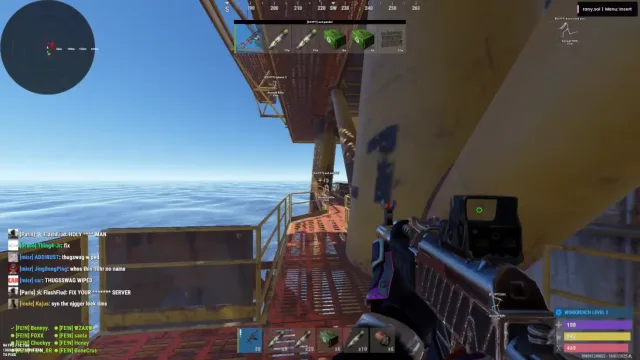
Fix EAC unable to verify Rust on Steam
Resolve Easy Anti-Cheat unable to verify errors for Rust—repair, reinstall, and launch order.
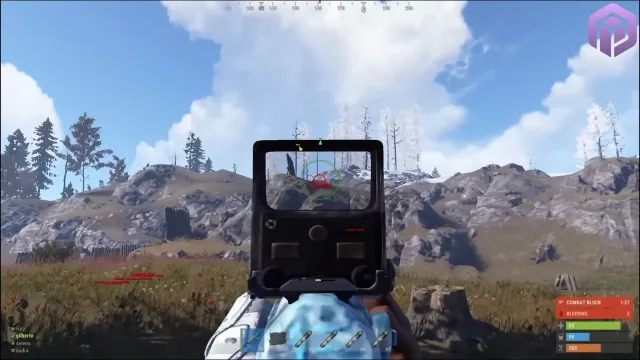
EAC patch day checklist for Rust on Steam
Facepunch update day steps—verify Easy Anti-Cheat, loader status, and safe configs before official servers.

Rust external cheat loader guide
How Rust Cheat external loader works with Rust and EAC—architecture, injection order, and configs.
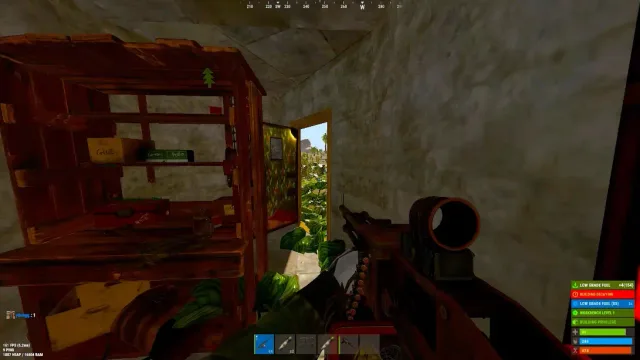
Rust server admin commands guide for owners
Facepunch Rust admin and F1 commands for server owners—auth levels, bans, kits, and wipe tools (not ranked third-party cheats).

Rust console commands and tips every player should know
Useful Rust F1 client commands—graphics, binds, perf, and combat feedback without touching server admin auth.
FAQ
Questions about this page
Answers tied to what you are reading—visit the FAQ page for every topic.